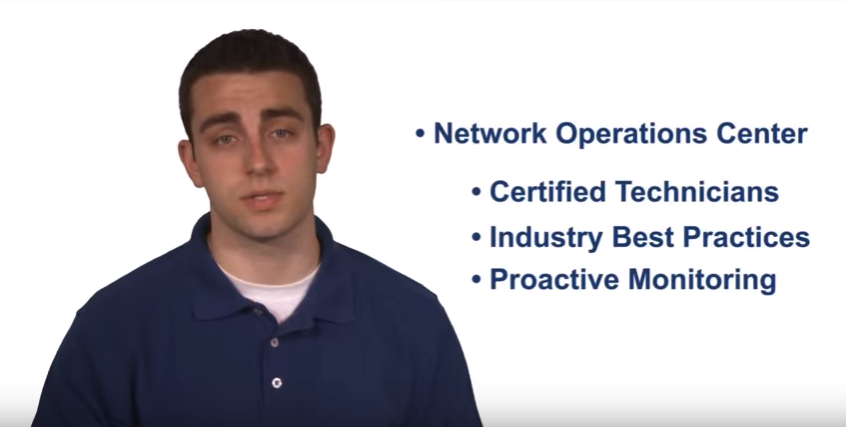
ALCON DTS provides exceptional IT services tailored to the unique needs of prominent businesses in healthcare, manufacturing, engineering, and other sectors in Austin and nationwide. We ensure that your employees receive prompt and professional technical support. Our advanced software tools are designed to enhance your security posture. Moreover, we cultivate strong relationships with your key personnel to ensure transparent and effective IT service delivery.
Strategically located in Austin, Texas, ALCON DTS is well-equipped to support our geographically diverse clients. For reliable IT support services anywhere in the United States, contact us today.